
University & campus transport fleet management
Campus transport desk for a university — student & staff bus routes with monthly Pick & Drop seat passes, a live "where's my bus" page with arrival alerts, an on-demand vehicle pool (cars, microbuses, vans, ambulances) with requisition, approval and dispatch, drivers with licence and duty, fuel with an optional own pump, garage and service-due reminders, document-expiry compliance that can block dispatch, per-campus branch scoping, and the reports a transport office runs on. One platform for the whole campus fleet in Bangladesh.
Use cases
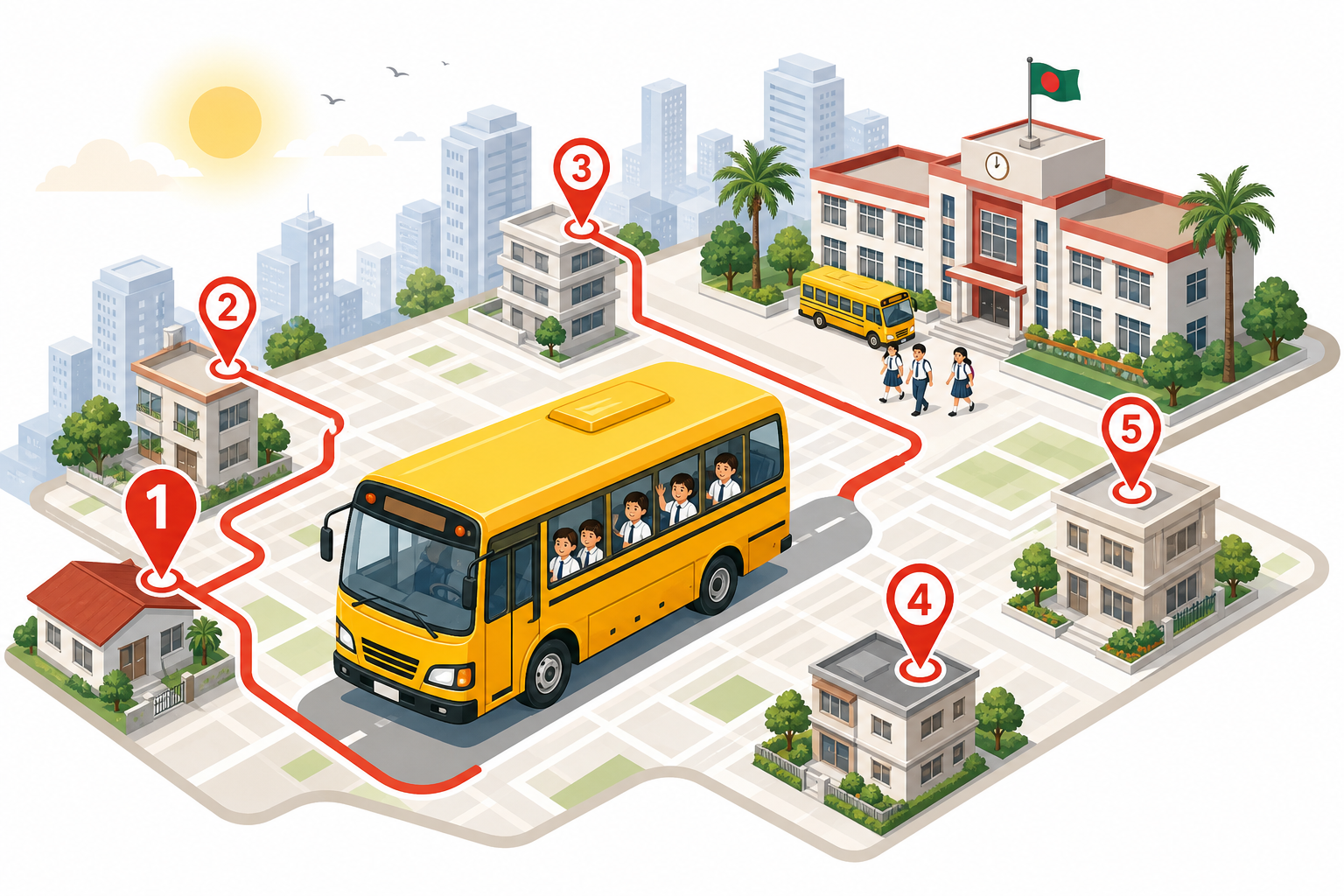
- Daily student & staff bus routes with a fixed monthly seat pass per rider on each route.
- Live "where's my bus" QR page and arrival alerts for students and parents — no app needed.
- Department vehicle pool — a faculty or office requests a car, van, or ambulance with approval.
- VIP and guest movement between campuses, the airport, and events on a shared dispatch board.
- Own workshop and diesel pump tracking service, parts, and fuel issued to the campus fleet.
- Multi-campus operation — each campus a branch with its own manager, vehicles, and reports.
- Document compliance — tax token, fitness, insurance, and route permit renewed before they lapse.
- Cost per vehicle and per department, posted to real double-entry accounting for audit.
Why you need this
- Bus rosters and passes on paper mean no seat accountability — Pick & Drop fixes who sits where.
- Parents call the driver for "where is the bus?" — a live QR page and arrival alerts answer it.
- WhatsApp car requests leave no trail — requisition, approval, and a dispatch board fix it.
- A campus fleet leaks fuel and repair cost quietly — per-vehicle cost and an own-pump report catch it.
- Fitness and insurance lapse into fines — expiry reminders can block dispatch until renewed.
- A vice-chancellor and audit want one view — per-campus reports and a daily executive summary give it.
Key modules
Typical workflows
- Route & pass: set routes and stops → assign monthly seat roster → rider requests seat → billing desk charges fare → live tracking runs the day.
- Vehicle pool: department request → manager & transport approval → check availability → assign vehicle & driver → trip & GPS → department chargeback.
- Compliance: document dates loaded → expiry auto-flagged → dispatch blocked if lapsed → renewed → vehicle back in service.
- Month-end: per-vehicle cost + utilisation + per-campus profit + executive summary for management.
Student & staff bus routes with monthly seat passes
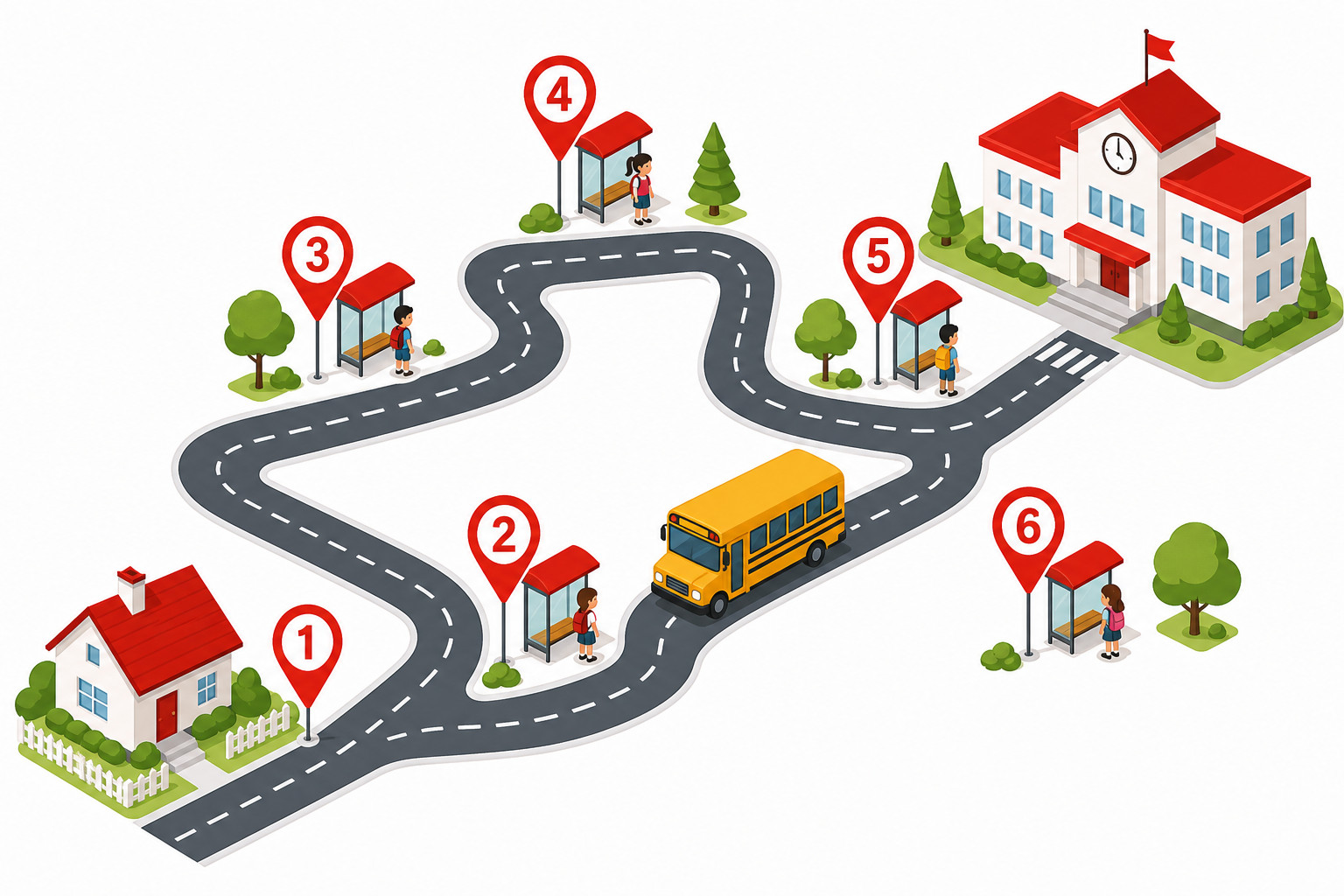
Fixed campus routes, stops, and timetables with a monthly seat allotment per rider — the "bus pass" — assigned, waitlisted, and billed without a paper register.
Route master
AM pickup and PM drop routes with stop sequence, distance, and run time per campus.
Monthly seat pass
A fixed seat on a route for a date range — the recurring pass, with renewal from the billing desk.
Stops & pickup points
Hall gate, colony, and main-road stops mapped for drivers and rider expectations.
Online seat request
Students or staff request a seat on a route; waitlist handling when a bus is full.
Seat capacity
Rider count vs bus seats — flag overcrowding before a safety or comfort complaint.
Fare to accounts
Chargeable pass fares post straight to the ledger — no side spreadsheet.
Live "where's my bus" for students & parents
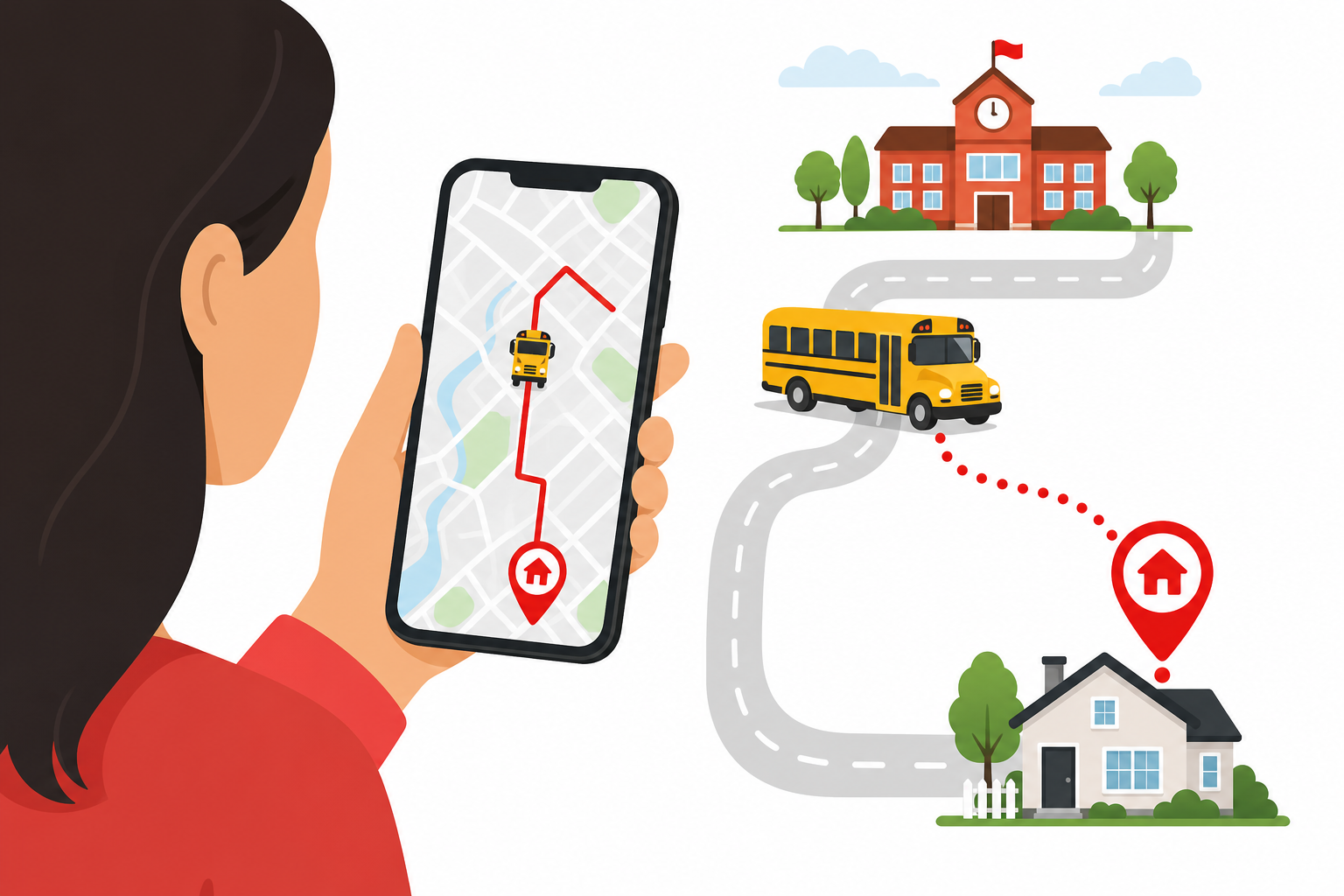
A public QR page shows the bus live with ETA to the stop, plus arrival alerts — without anyone calling the driver.
Live bus map
GPS position on the route corridor — riders see the approach to their stop.
QR follow-the-bus
Scan the sticker on a bus to open its live page — no app install, no driver number shared.
ETA & arrival board
Learned-time ETA and a stop-by-stop board, including a big-screen mode for the terminal.
Arrival alerts
Students or parents get an SMS or browser alert minutes before the bus reaches the stop.
Geofence & playback
Off-corridor or delayed beyond threshold notifies the desk; route playback settles disputes.
No metered API cost
Passenger traffic reads our own data — student views never rack up paid GPS-provider calls.
Department vehicle pool — request, approve, dispatch
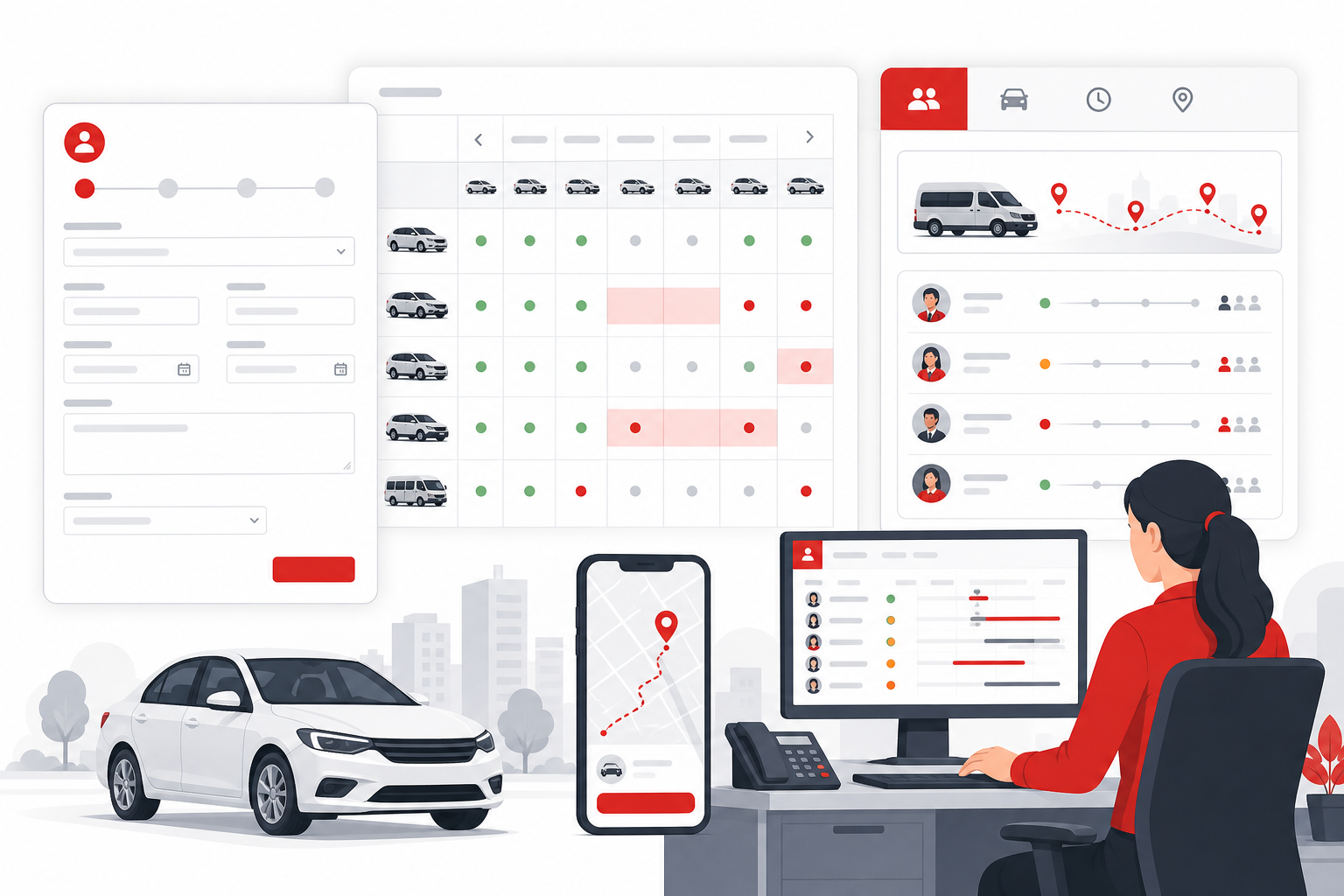
Cars, microbuses, vans, and ambulances that departments book on demand — self-service request, an approval chain, and a dispatch board that assigns vehicle and driver.
Department request
A faculty or office requests a vehicle with date, purpose, and passenger count.
Multi-level approval
Manager and transport office sign off before any vehicle leaves the pool.
Check availability
Live board shows pool and assigned cars — free, booked, or in workshop.
Assign & dispatch
Dispatch board matches vehicle and driver with a clash check on both.
Trip & GPS
Trip start/return, odometer, and GPS playback on each duty card.
Cost chargeback
Closed trip cost charged to the department or cost centre — finance-ready.
Drivers — licence, duty, app & discipline
Driver records, licence expiry, duty roster and a mobile app — the people side of a campus fleet, with accountability.
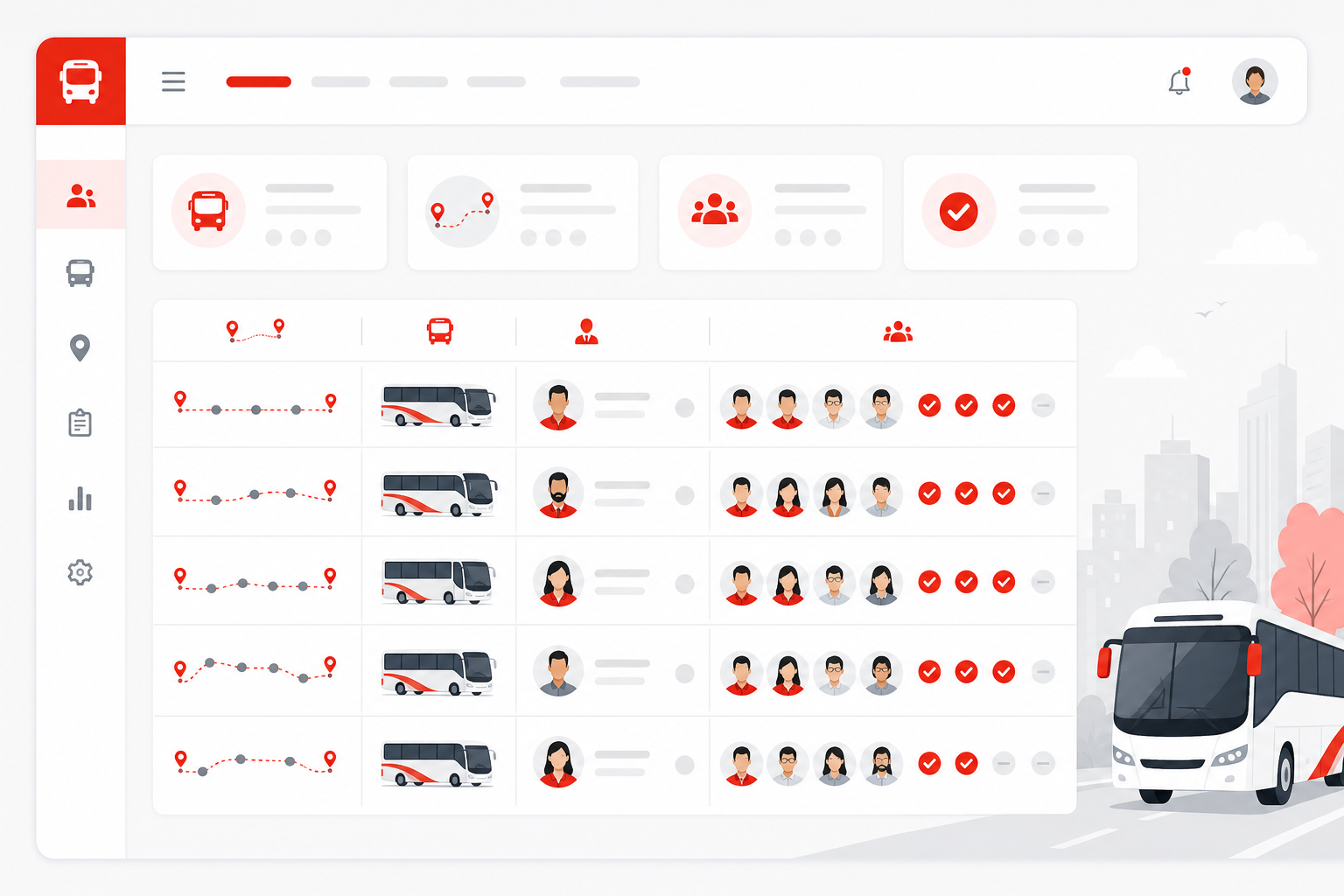
Records & licence
Driver profile with licence and expiry — flagged before it lapses.
Driver app
Duty clock-in, trips, fuel, expenses, and documents from the driver's phone.
Duty roster
Who drives which route or duty on which day, with attendance.
Advances & discipline
Advances, allowances, and a disciplinary log — no loose cash or memory.
Fuel, workshop & cost per vehicle
Fuel logs, an optional own diesel pump, garage job cards, and service-due reminders — every taka tied to a vehicle.
Logs & own pump
Per-vehicle fuel with efficiency trend; own diesel tank tracks issue-to-fleet vs external.
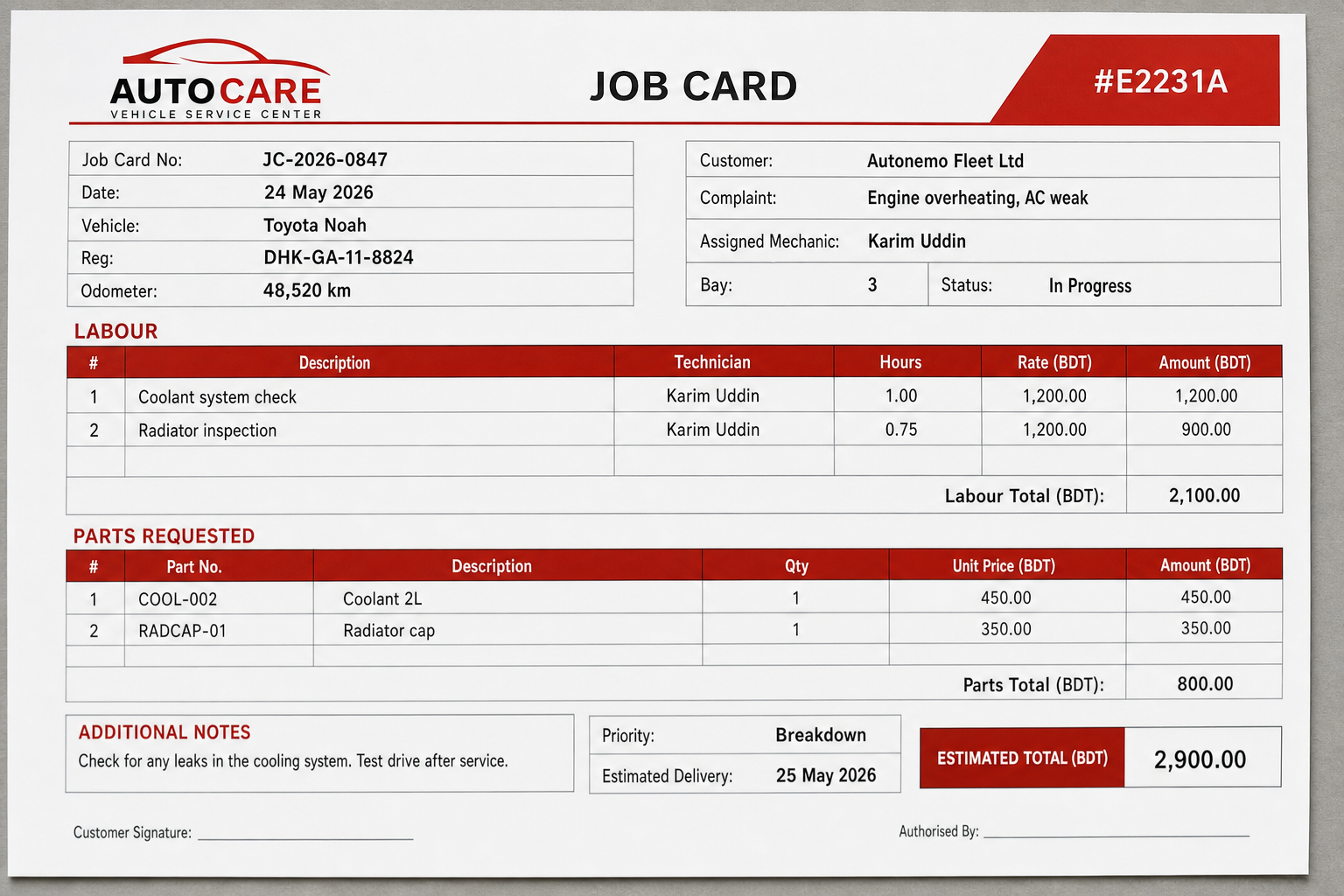
Garage job cards
Job card to discharge with parts, mechanics, and vendor bills.
Service-due
Per-vehicle service reminders so preventive work happens before a breakdown.
Per-vehicle P&L
Fuel, repair, and trip cost roll up into cost per vehicle and per campus.
Double-entry
Every cost posts to real double-entry accounting — audit-ready, not a spreadsheet.
Compliance, per-campus reports & control
Document-expiry compliance, multi-campus scoping, role-based access, and the reports a transport office actually runs the operation on.
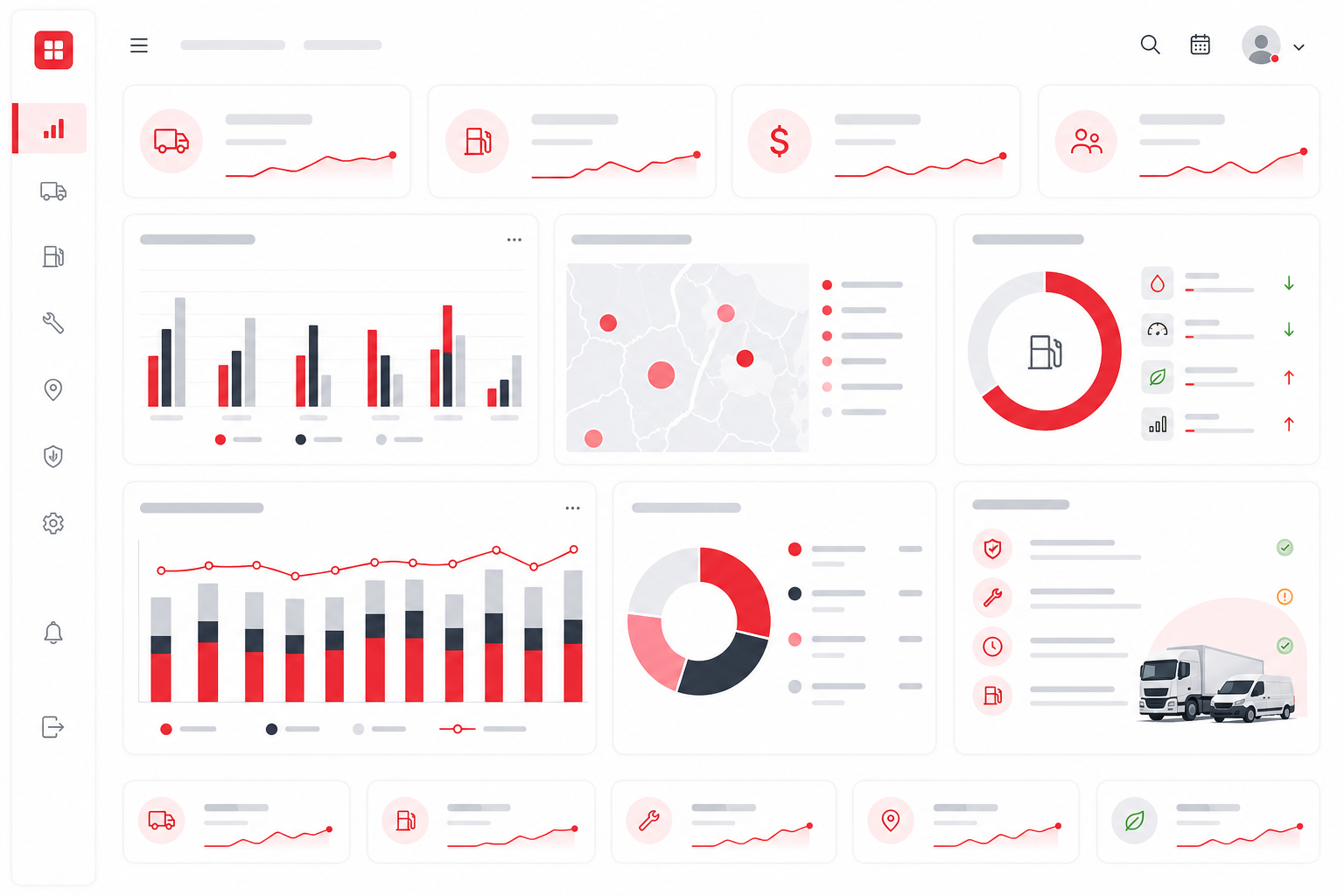
Document compliance
Tax-token, fitness, insurance, and route-permit expiry auto-flagged — and can block dispatch.
One branch per campus
Each campus is a branch with its own manager, vehicles, drivers, and reports.
Role-based access
Granular permissions per office, with each module turned on or off as needed.
Utilisation & idle
Utilisation, idle-vehicle, and distance reports show where the fleet earns its keep.
QR feedback inbox
A public scan lets riders report a complaint, lost item, or incident to the office.
Executive summary
A daily executive summary and per-campus profit view for management.