
08 Fleet, Movement & Maintenance
Fleet
Vehicle add/list, control tower, assignments, compliance, type, and tracker setup.
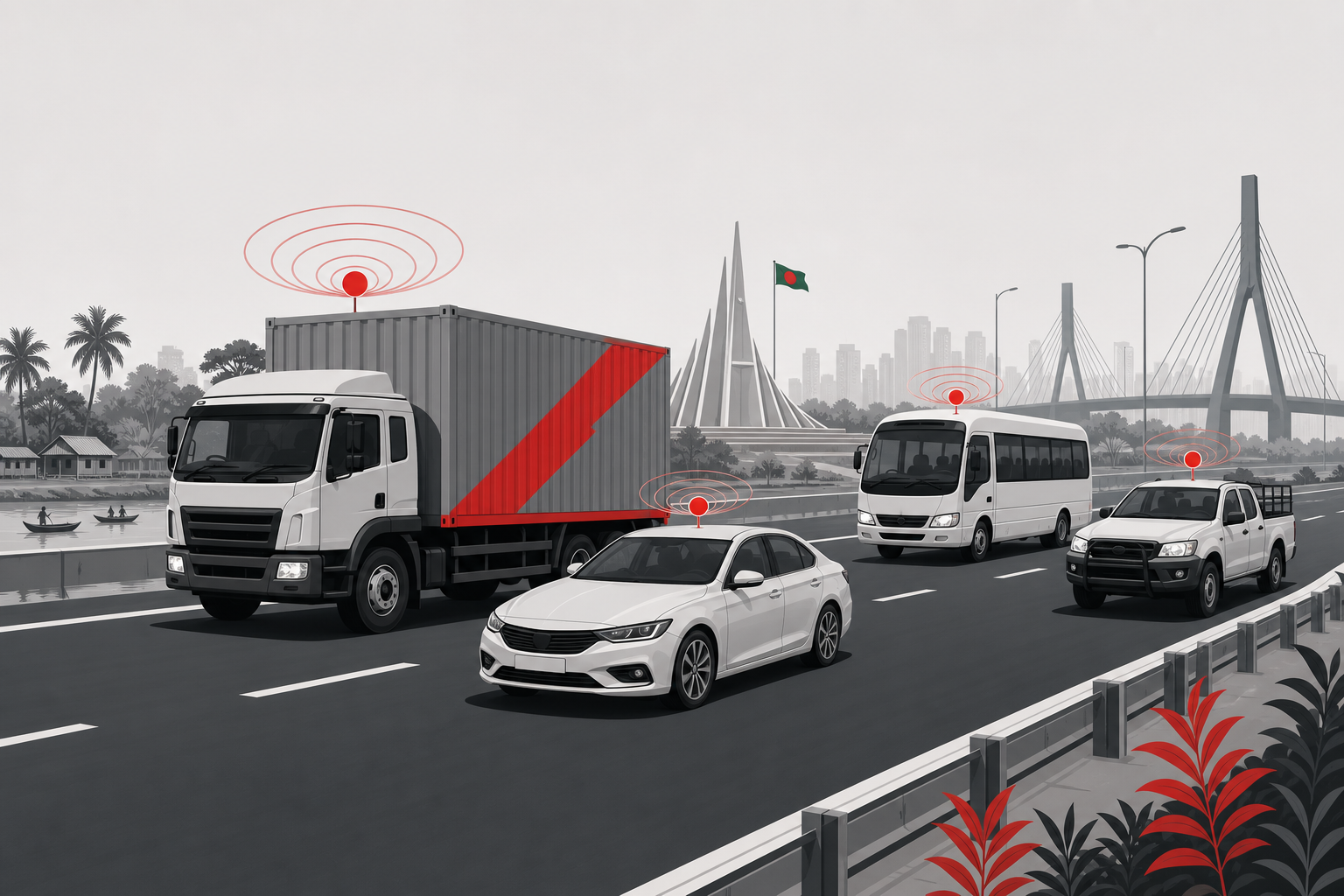
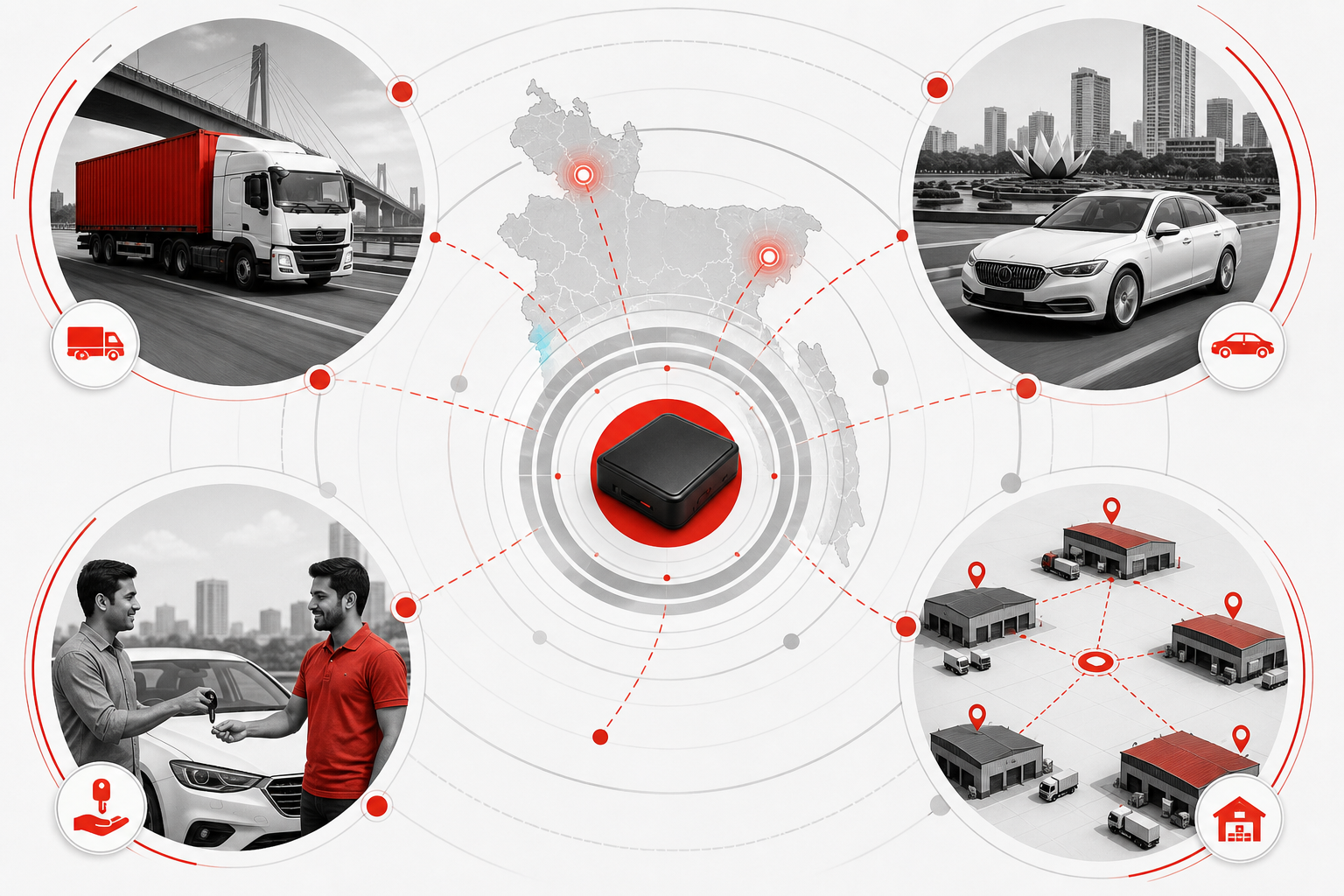
Illustrations on this page are conceptual examples — not screenshots of the live system.
How you can use it
The same Fleet module supports different transport models — pick the scenarios that match your operation.
Commercial trucking & logistics
Register prime movers, pickups, and covered vans. Track which units are on road, in workshop, or idle before the next cement, FMCG, or courier run.
Corporate & staff transport
Pool cars, assigned sedans, and backup units in one list. Transport admin checks availability before approving staff requisitions.
Rental & owner–vehicle fleets
Hire-ready vs on-contract vs in garage — visible at a glance so counters do not promise a unit that is not available.
Multi-branch transport groups
Each depot sees its own fleet; head office consolidates register, compliance, and utilisation across branches.
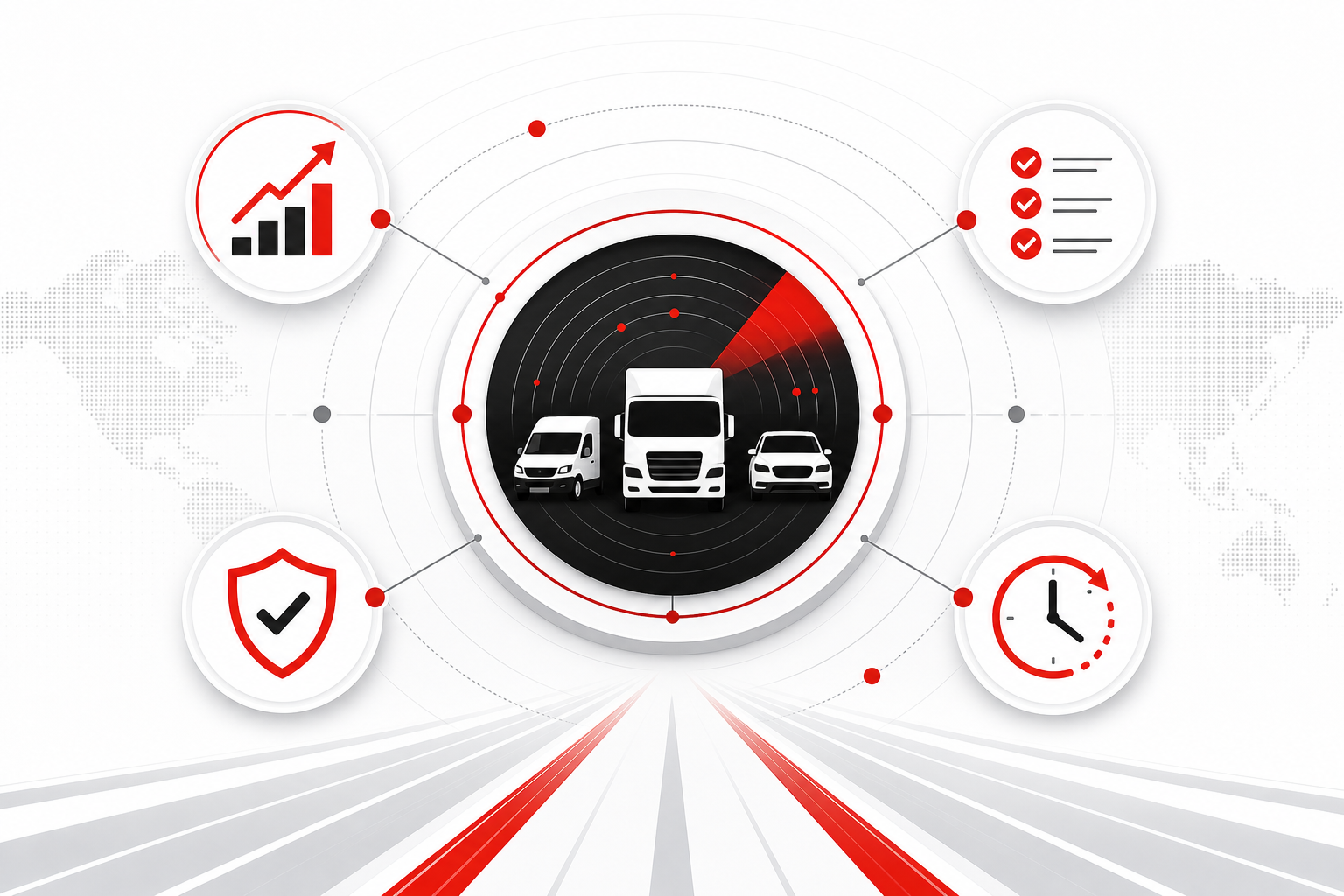
Benefits for your team
What improves when vehicle data lives in one place instead of spreadsheets and phone calls.
Stop duplicate vehicle lists
Finance, dispatch, and workshop stop maintaining separate Excel registers — one master record per vehicle.
Compliance before crisis
Fitness, insurance, tax token, and permit due dates surface early — not the morning a trip is blocked at the gate.
Dispatch with confidence
Assign trips only to units marked road-ready; workshop downtime and missing documents show before the driver is called.
Proof for audit & clients
Vehicle history, document trail, and movement context support insurance, client disputes, and internal review.
Makes daily work easier
Less chasing, less re-entry, fewer surprises on the morning dispatch board.
- Onboard a new vehicle with specs and documents in one flow — not a folder of paper passed between departments.
- Branch-filtered views so local teams see their units without scrolling through the whole company list.
- Readiness flags (active, workshop, idle, blocked) replace phone calls to the garage every morning.
- Default driver and device assignment saved on the vehicle — dispatch does not re-enter the same data on every trip.
- Reminder hooks for renewals mean transport admin is not the only person who remembers expiry dates.
Multi-user & mobile-ready
Different roles see different slices — desktop for planning, mobile for field, dashboard for leadership.
- Transport admin (desktop)Full register, compliance board, and assignable-unit queue for daily planning.
- Branch manager (tablet / laptop)Branch-scoped fleet, document status, and utilisation without access to other depots.
- Control room (large screen)Live map context alongside vehicle status — which units are moving vs parked vs offline.
- Driver / field user (mobile)Sees assigned vehicle and trip context through the workforce panel — no full register access.
- Owner / executive (dashboard)Summary widgets: fleet size, compliance risk, idle units — not day-to-day data entry screens.
Works with your other modules
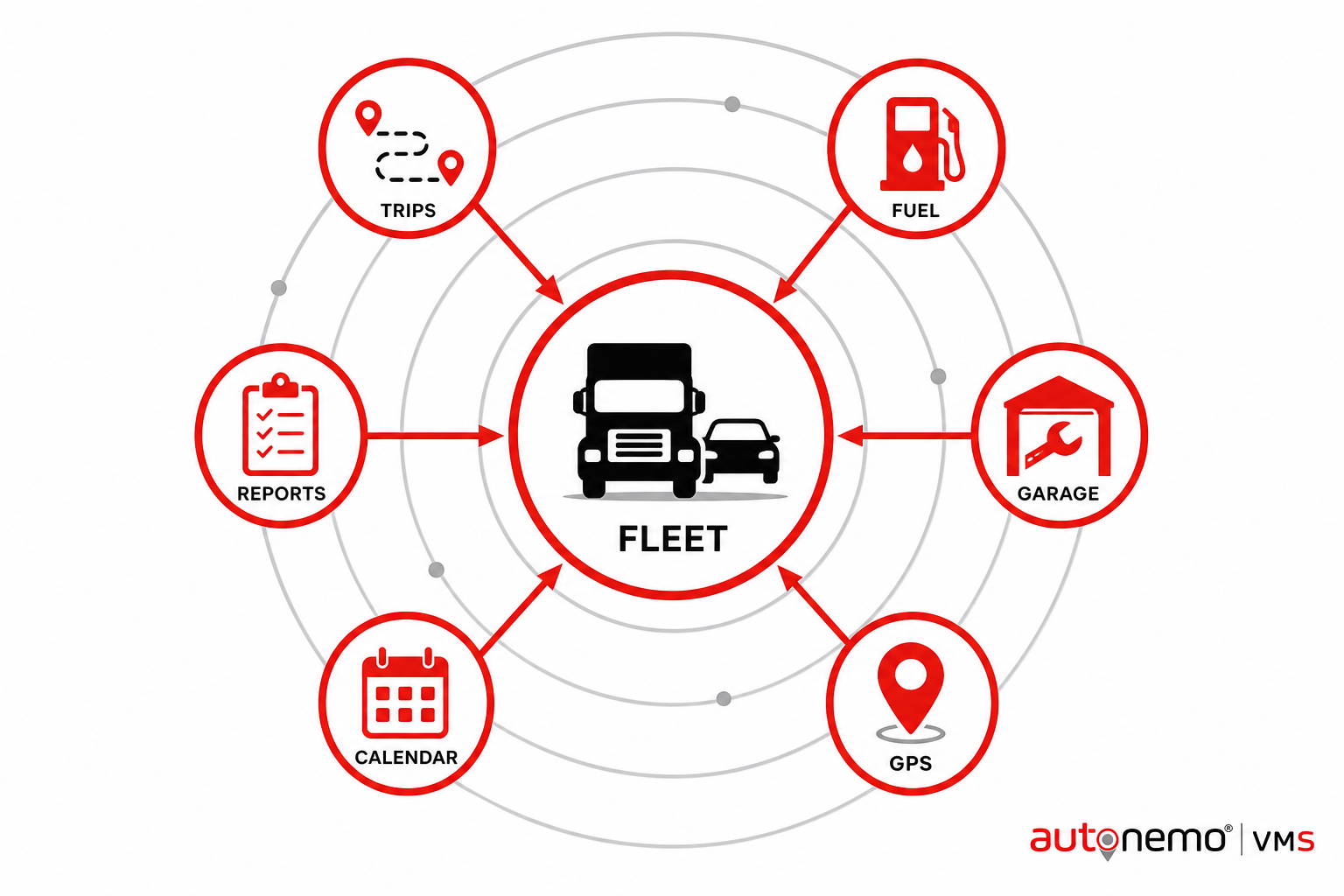
Fleet is the vehicle master — other modules read from it so data stays consistent across the platform.
- TripsVehicles assign to runs; trip status reflects back on unit availability.
- FuelEvery fuel entry ties to a registered vehicle for mileage and variance checks.
- GarageJob cards mark units in workshop — dispatch sees them as unavailable.
- RemindersDocument and service due dates feed renewal workflows.
- GPS Location SharingLive movement shared with clients from vehicles registered here.
- PlaybackHistorical route replay tied to each registered unit.
- RequisitionsStaff transport checks pool availability before a car is promised.